How to Download Your Qatar Labour Contract
Advertisement
How to Download Your Qatar Labour Contract
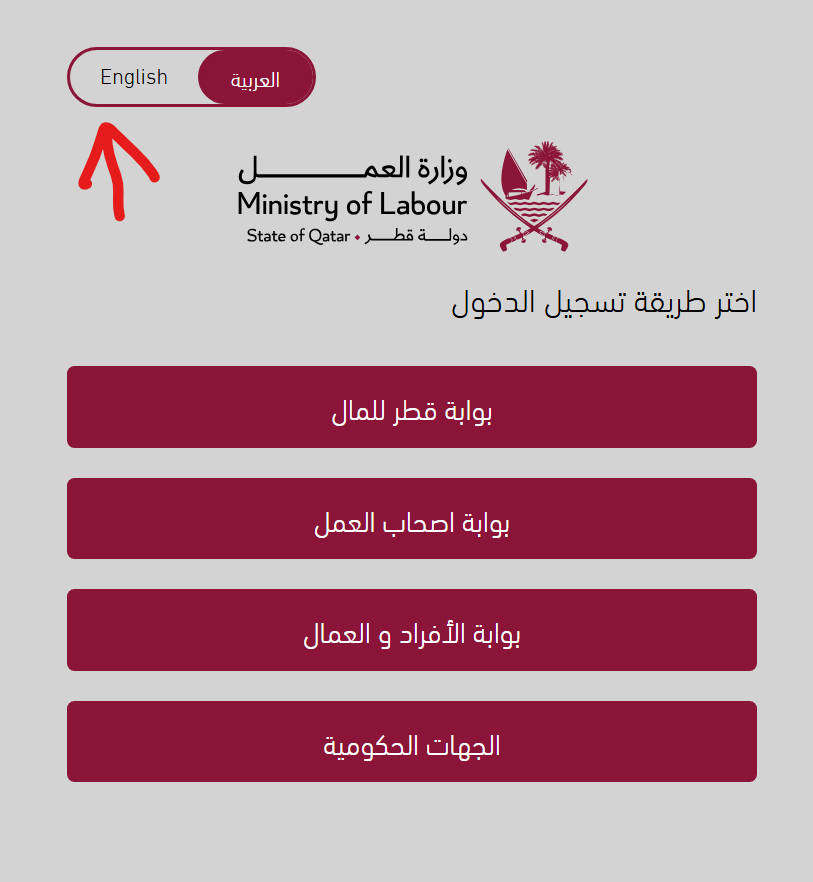
- Go to the Ministry of Labour Portal Login Page.
- Select the English option from the top of the page to change the language.
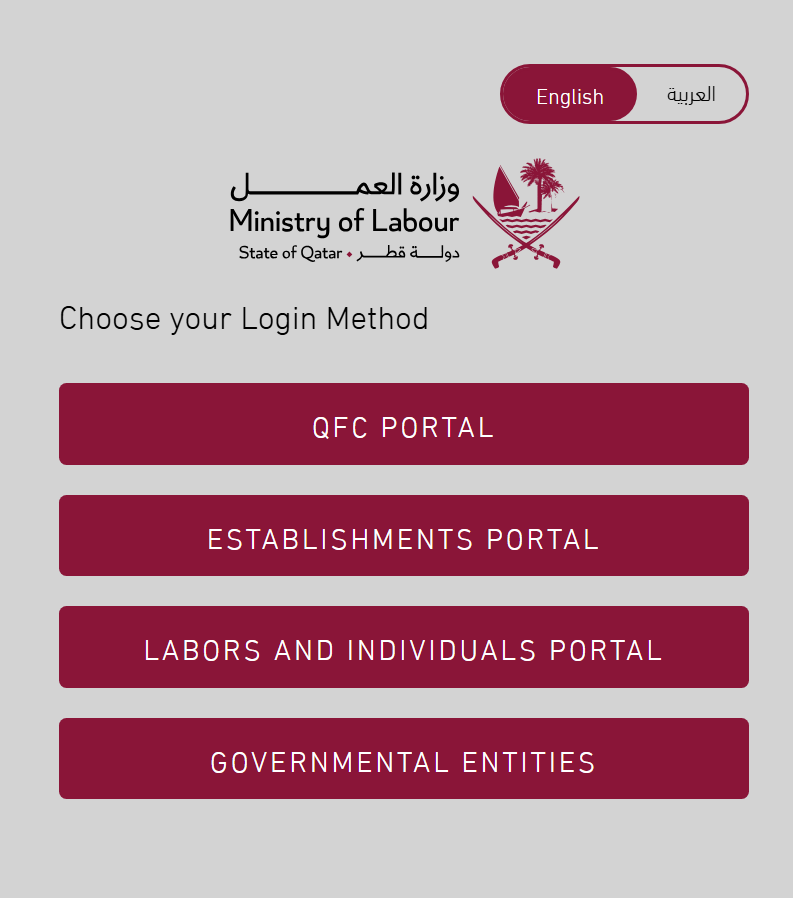
- Select Labors and Individuals Portal.
-
Login using the National Authentication System.
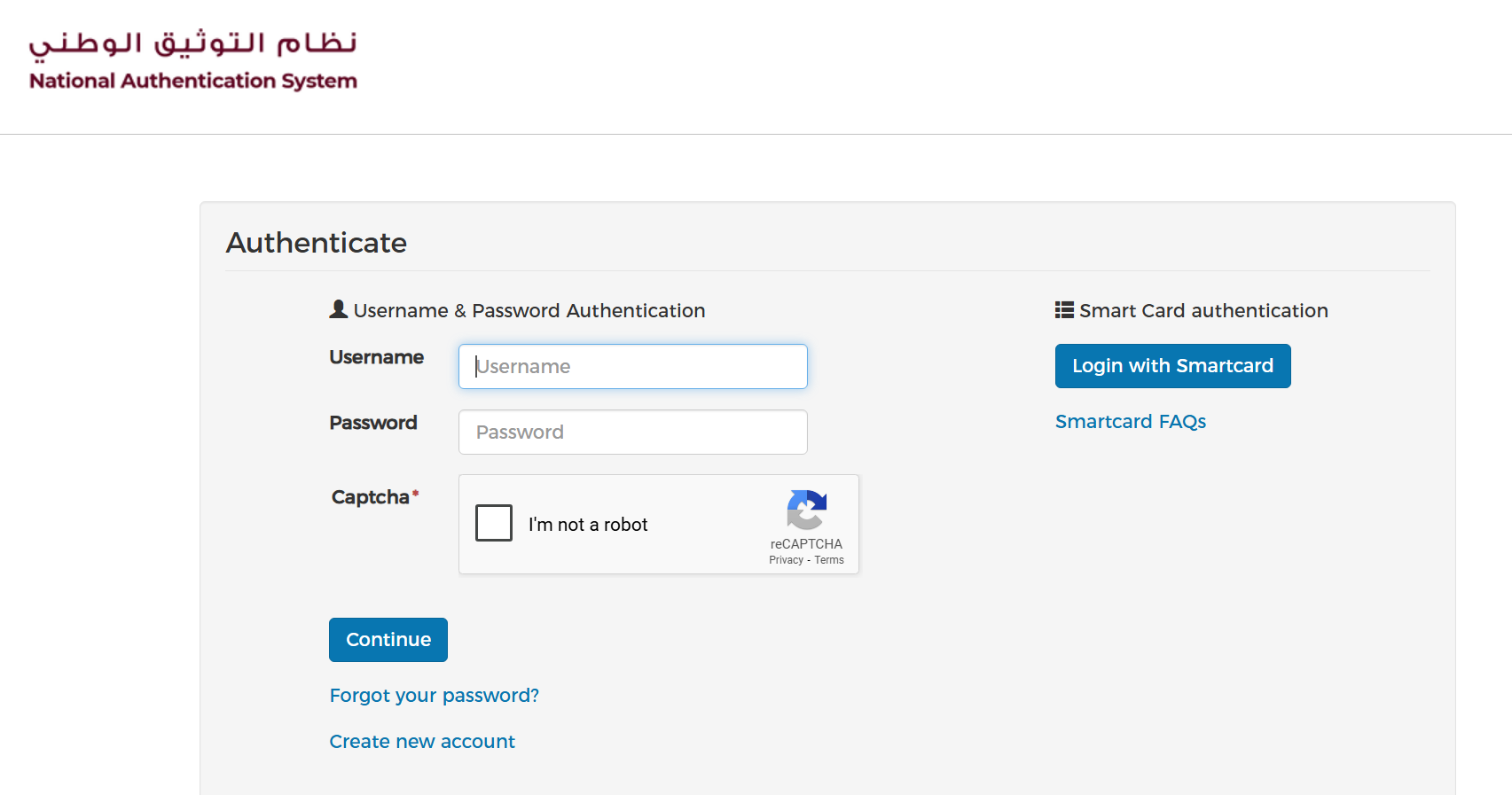
If you don’t have an account, follow these steps to create one: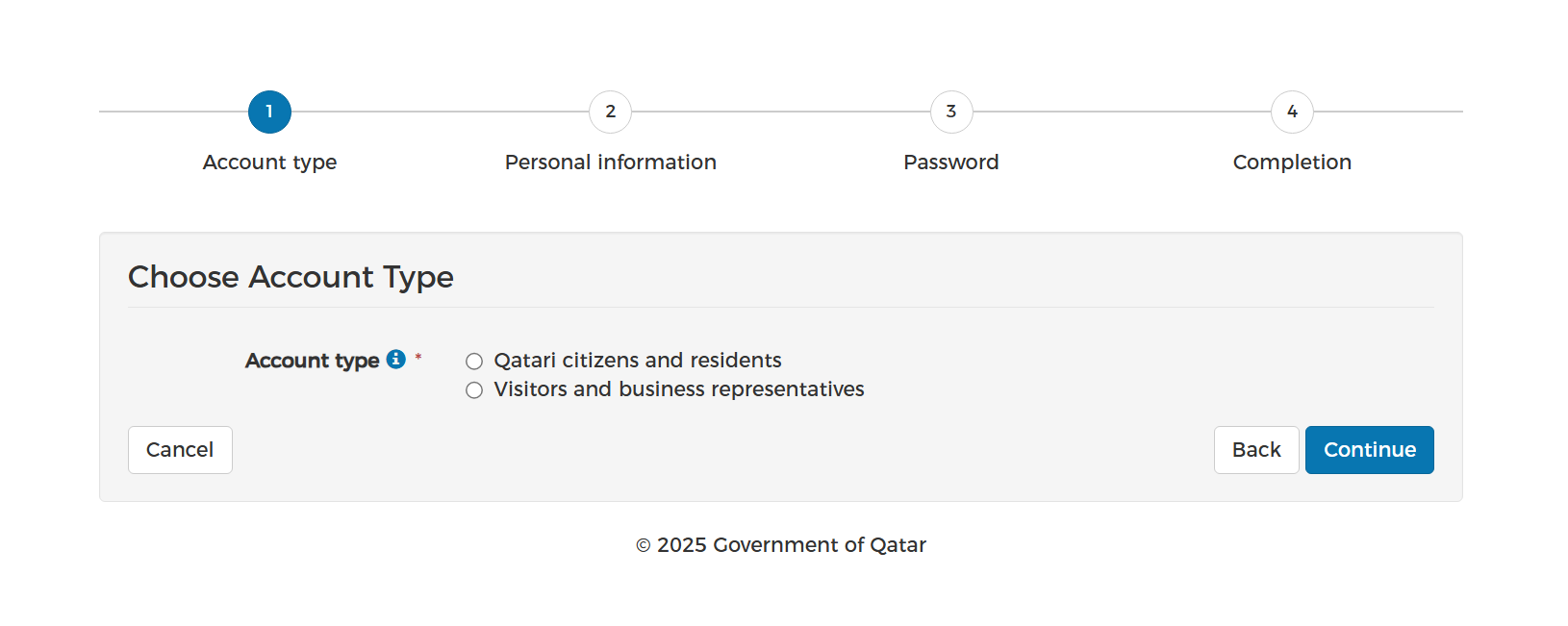
- Select Qatari Citizens and Residents option.
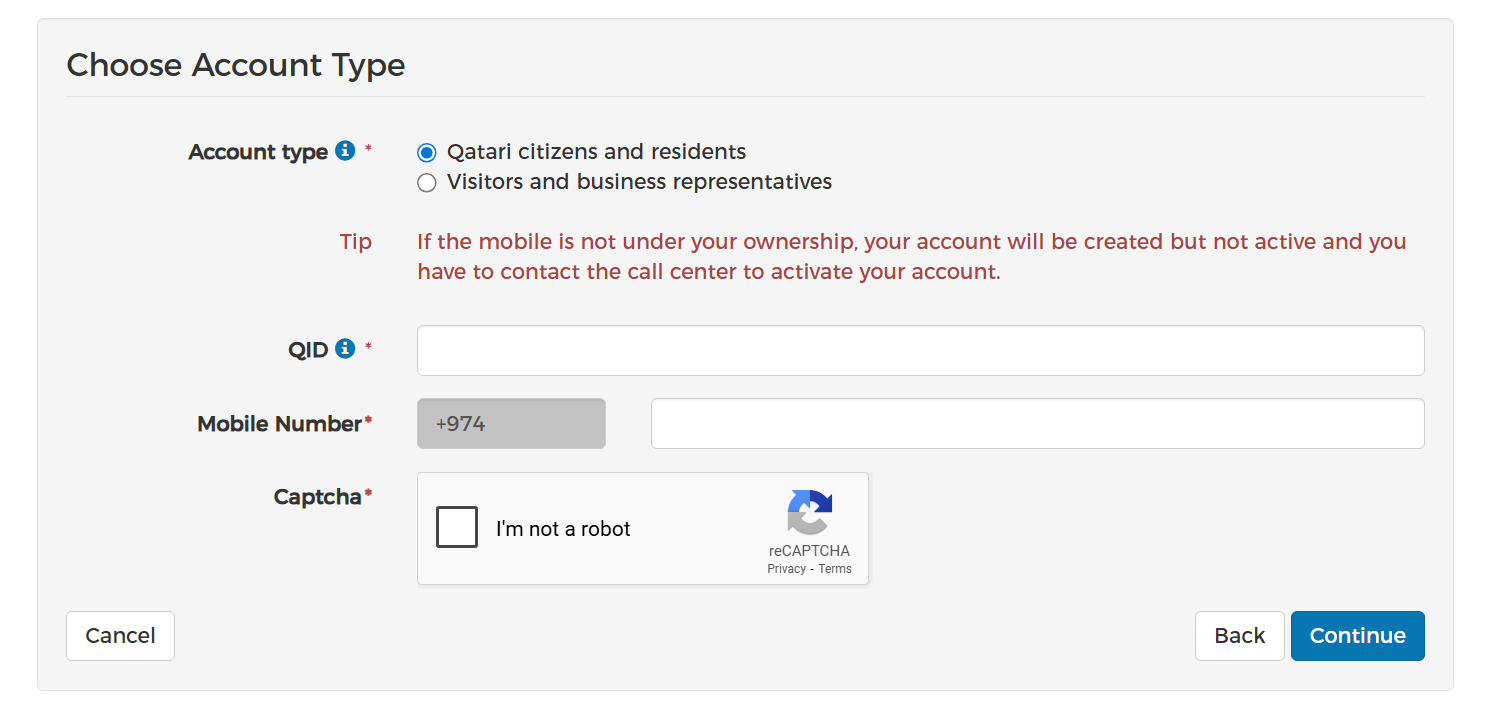
- Enter your QID and registered mobile number.
- Click I'm not a robot and then Continue.
- Enter the OTP sent to your mobile.
- Create a password and log in again.
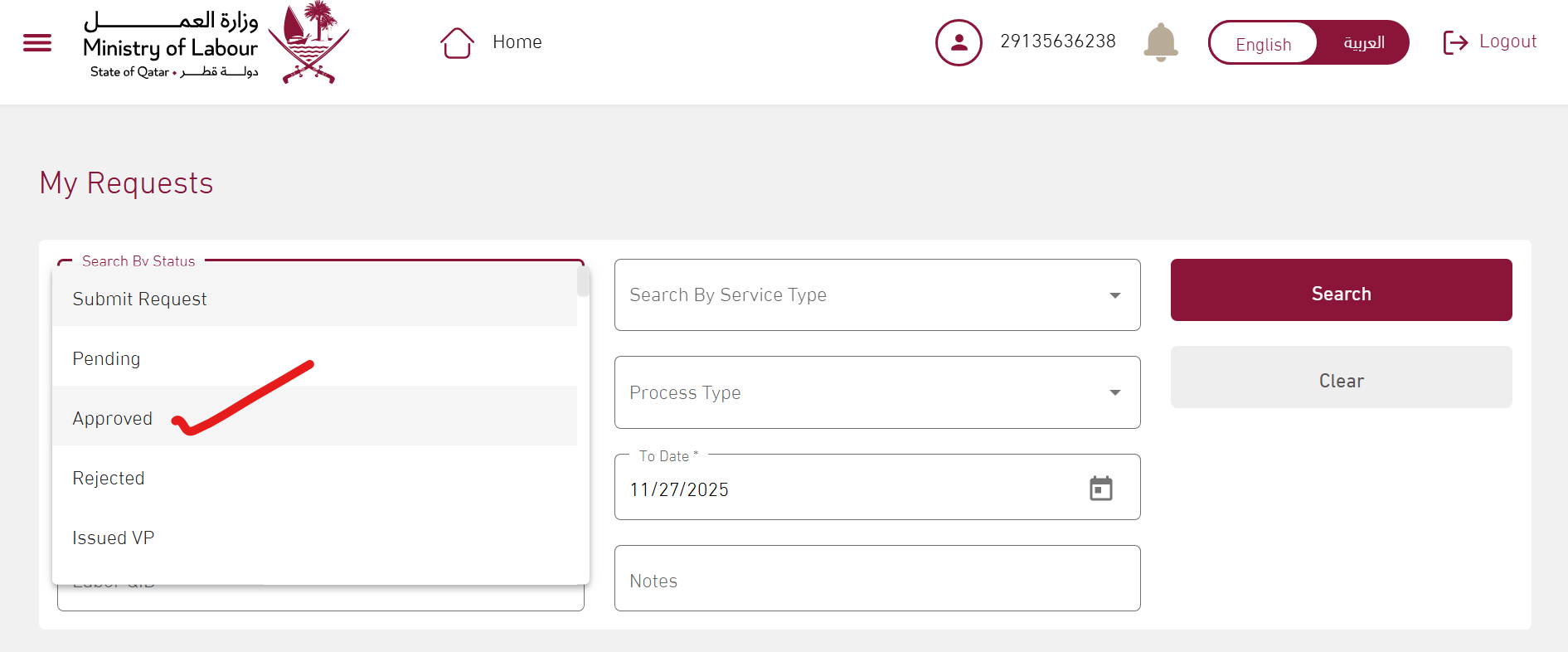
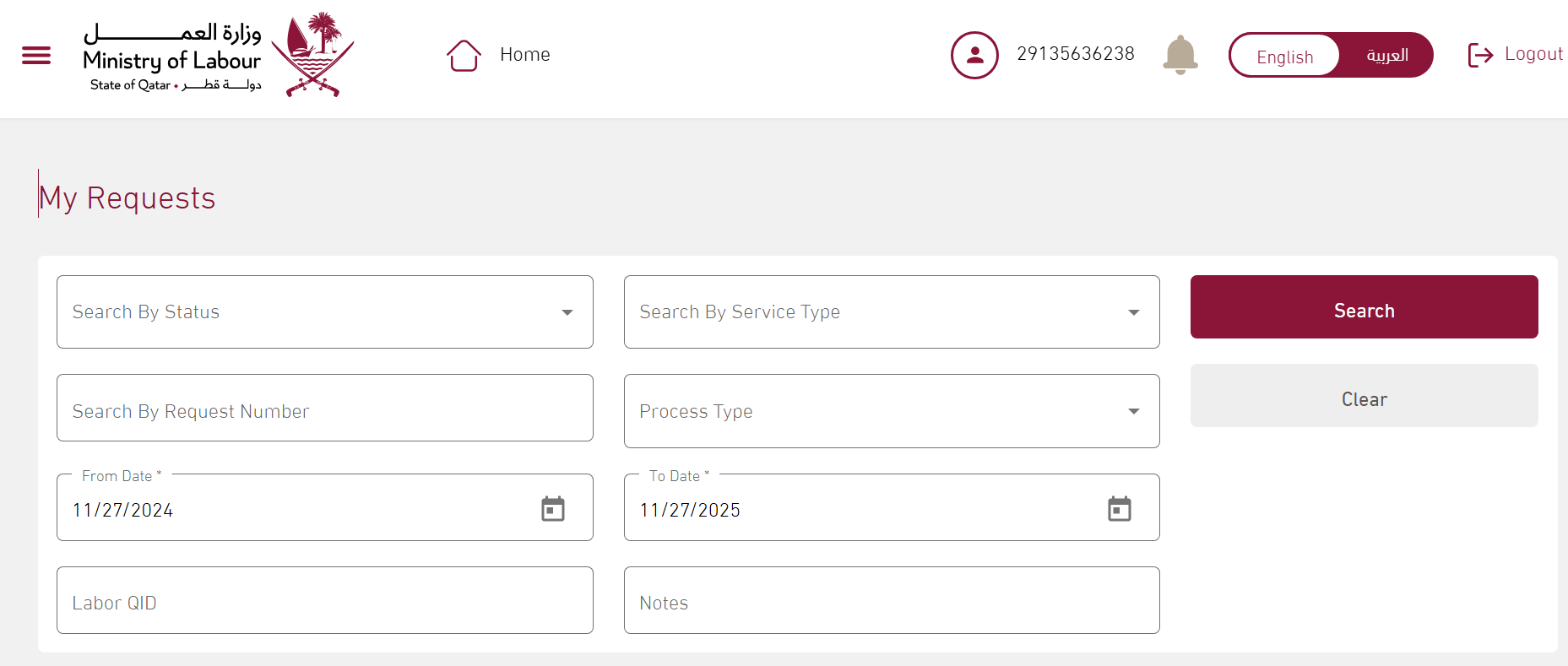
- Once logged in, the Ministry of Labour portal will open. Select My Request.
-
Under Status, select Approved and click Search.
Below, you will find your contract number. Click View to see your contract details. - Finally, click View and Print Contract to download your Qatar labour contract.
Advertisement
Questions and comments
No comments yet. Ask your question above and I’ll reply.