How to apply Health Card in Qatar
Health Card in Qatar: Why It’s Important and How It Helps
1. What is the Health Card in Qatar?
Citizens and residents of Qatar can apply for a Health Card to access medical services at all Primary Health Care Corporation (PHCC) health centers and Hamad Medical Corporation (HMC) hospitals and healthcare facilities.
The health card is the same size as a driving license and contains essential personal details such as your QID number, nationality, photograph, and date of issue. It is available to all Qatari citizens and residents, making it an important document for accessing public healthcare services in the country.
With a valid health card, patients can receive medical consultations and non-emergency treatments at subsidized rates. While some services may have additional charges, these costs are significantly reduced for health card holders.
Health card holders can also purchase prescribed medicines from government-run pharmacies at subsidized prices, making healthcare more affordable and accessible for individuals and families.
Having a health card ensures smoother access to Qatar’s public healthcare system and helps residents receive quality medical care at a lower cost.
How to Apply for a Health Card Online in Qatar (Using Nar’aakom App)
You can easily apply for a health card online through the Nar’aakom mobile application.
Step 1: Download the Nar’aakom App
Download the Nar’aakom app from the Google Play Store or Apple App Store.
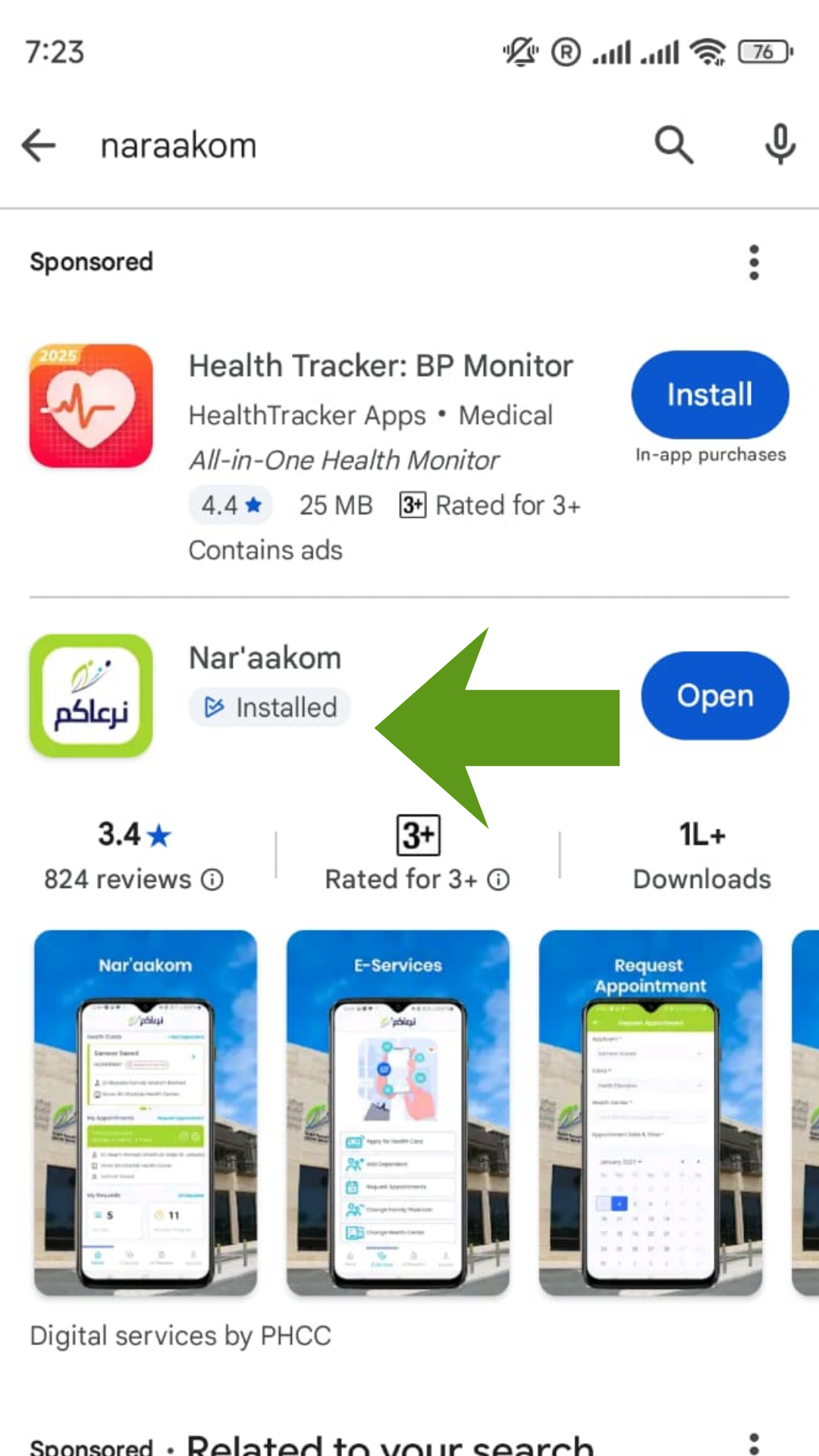
Step 2: Sign In or Create an Account
- If you already have NAS (National Authentication System) login details, sign in directly.
- If you do not have an account, click Create New Tawtheeq Account.
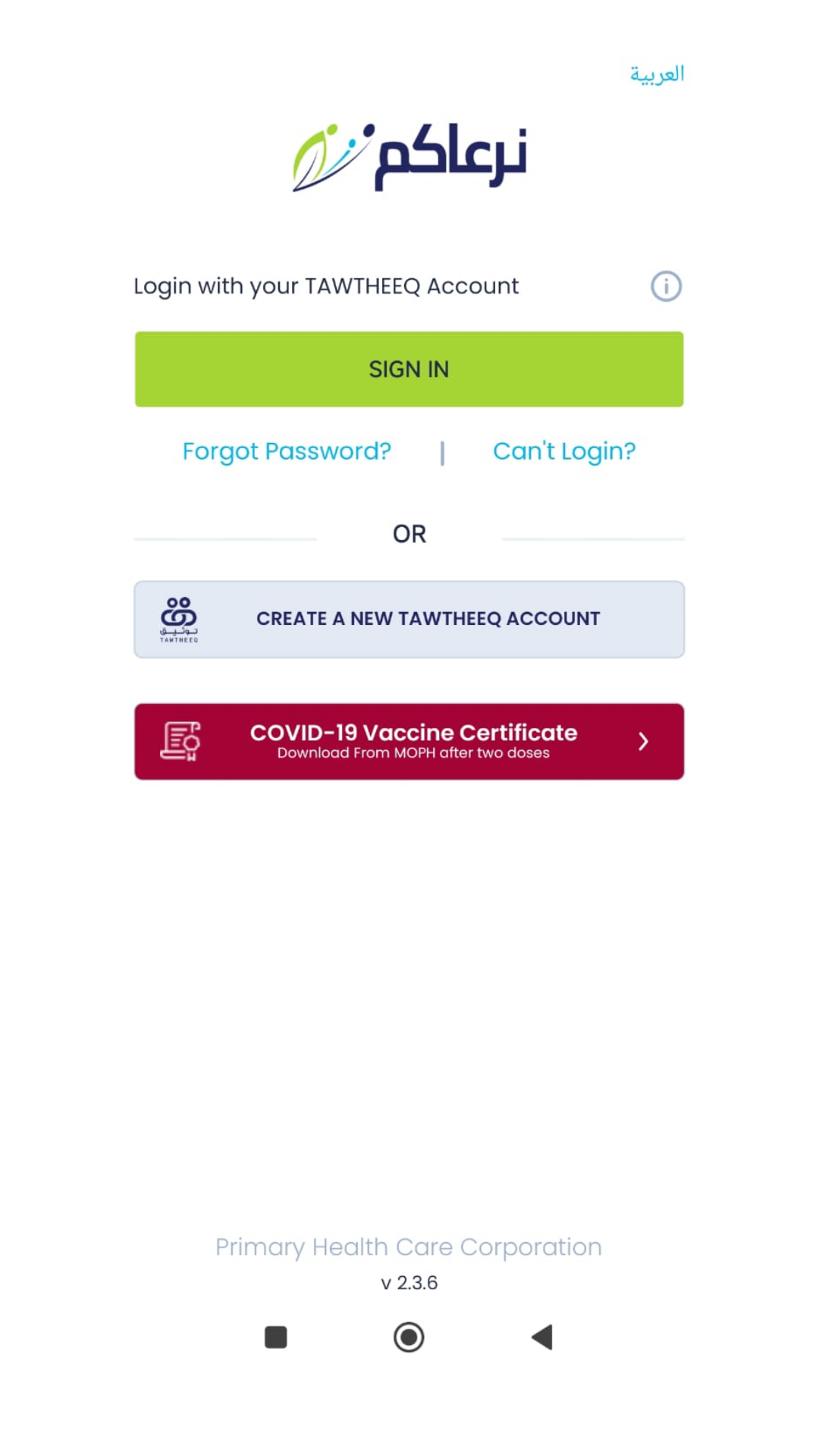
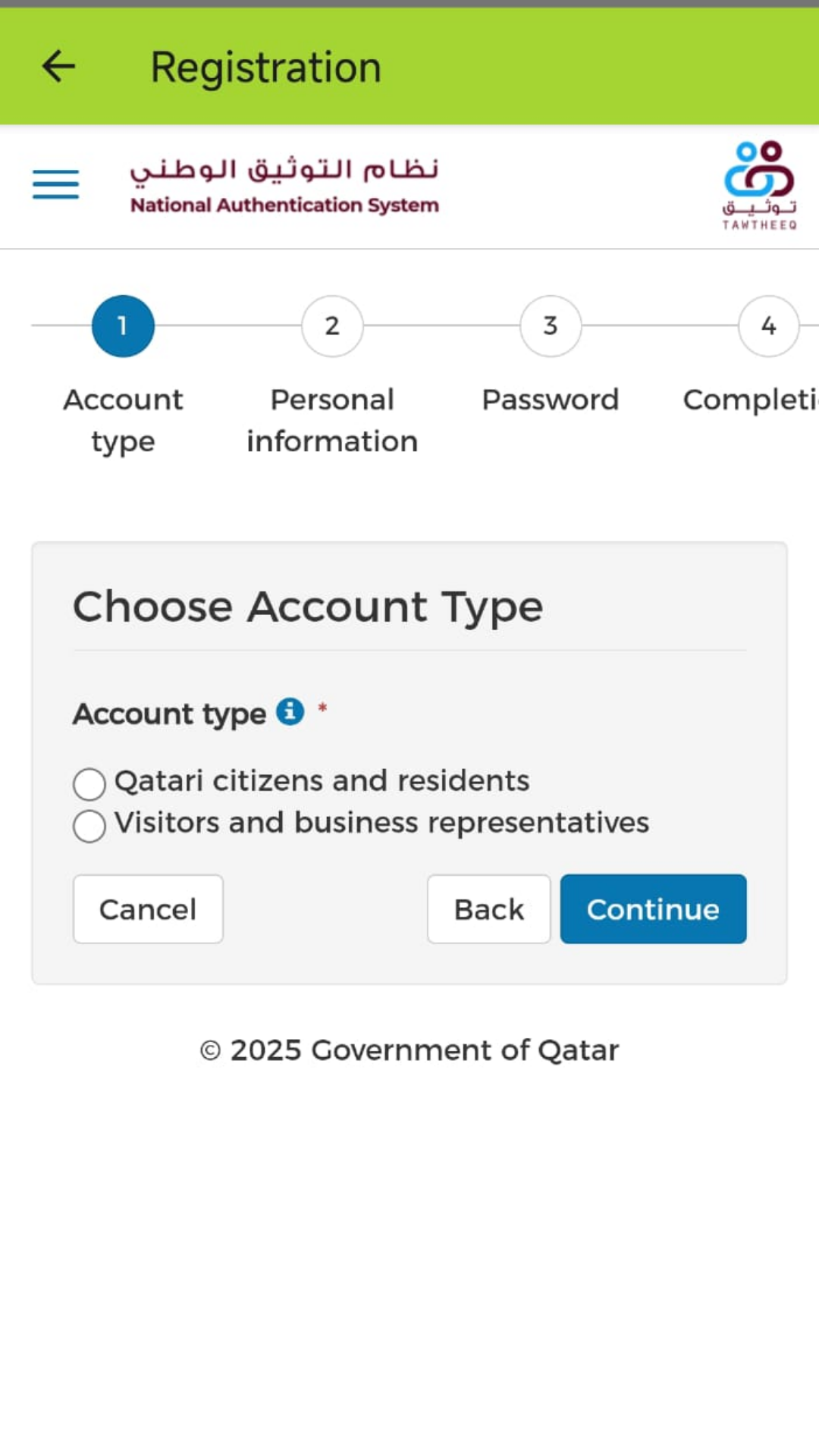
Step 3: Create a Tawtheeq Account
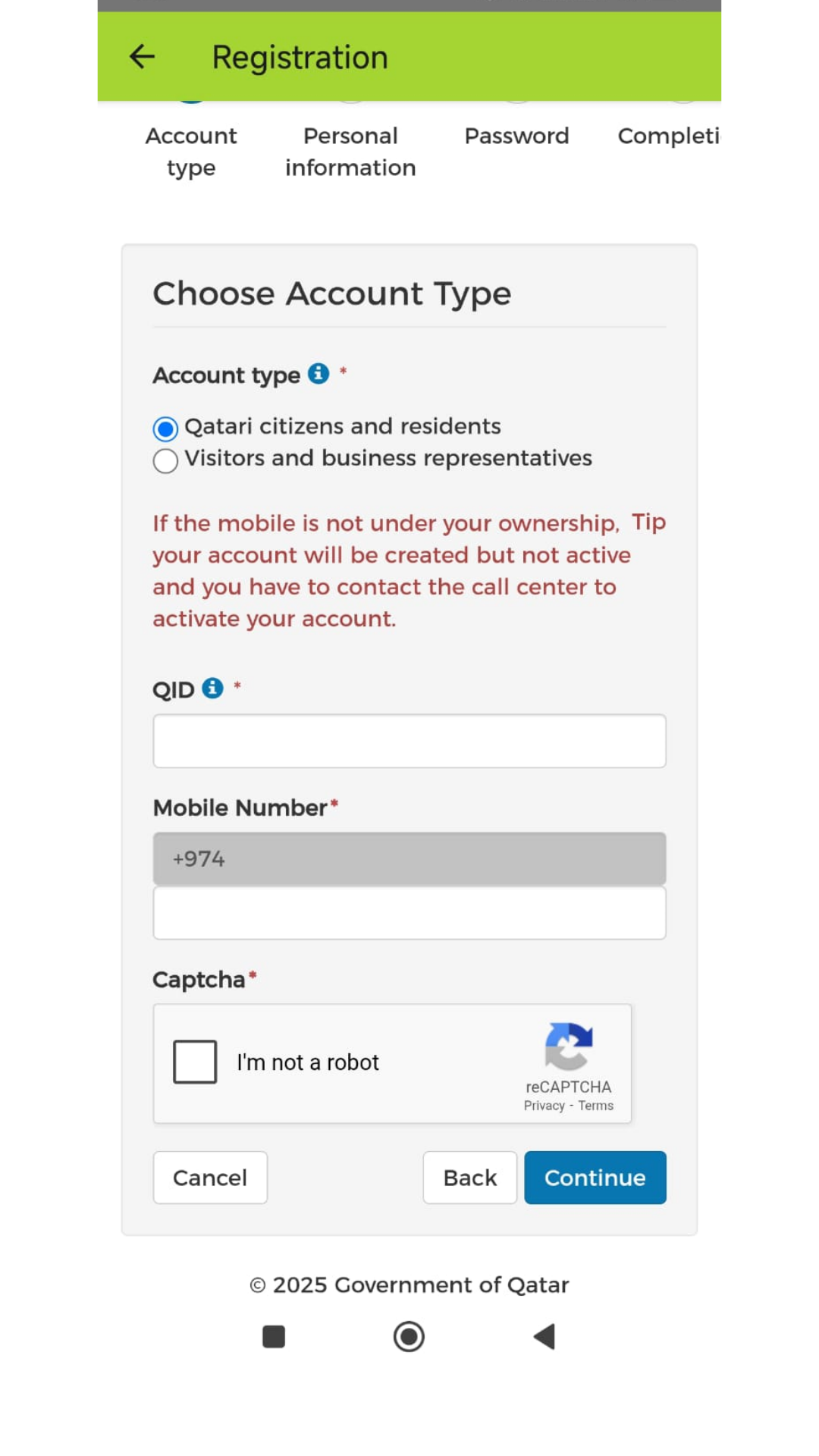
- Select Account Type as Qatari Citizen and Residents
- Enter your QID number and registered mobile number
- You will receive an OTP
- Enter the OTP and create your account
Step 4: Login to Your Account
After creating the account, go back to the app and sign in using your credentials.
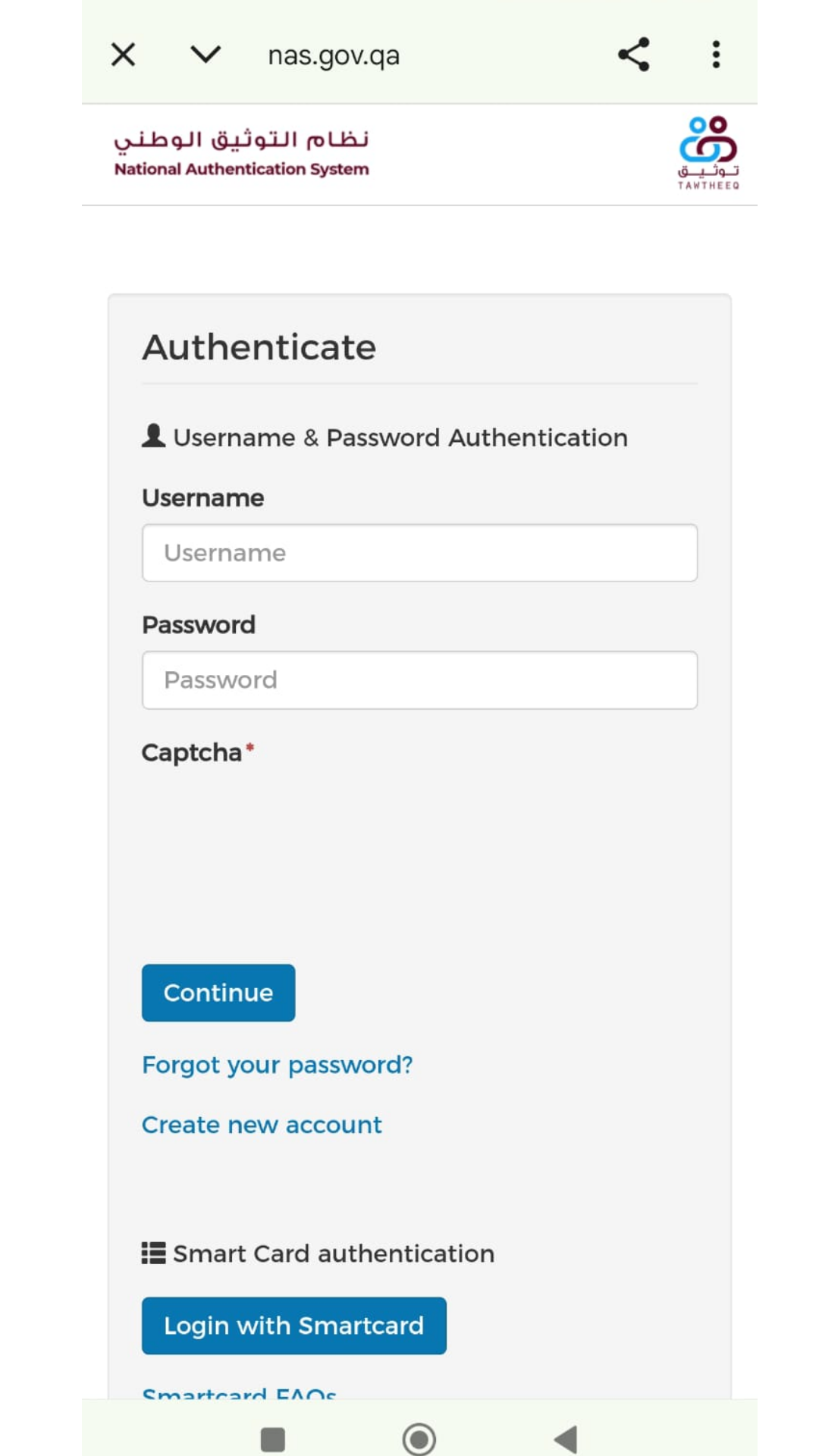
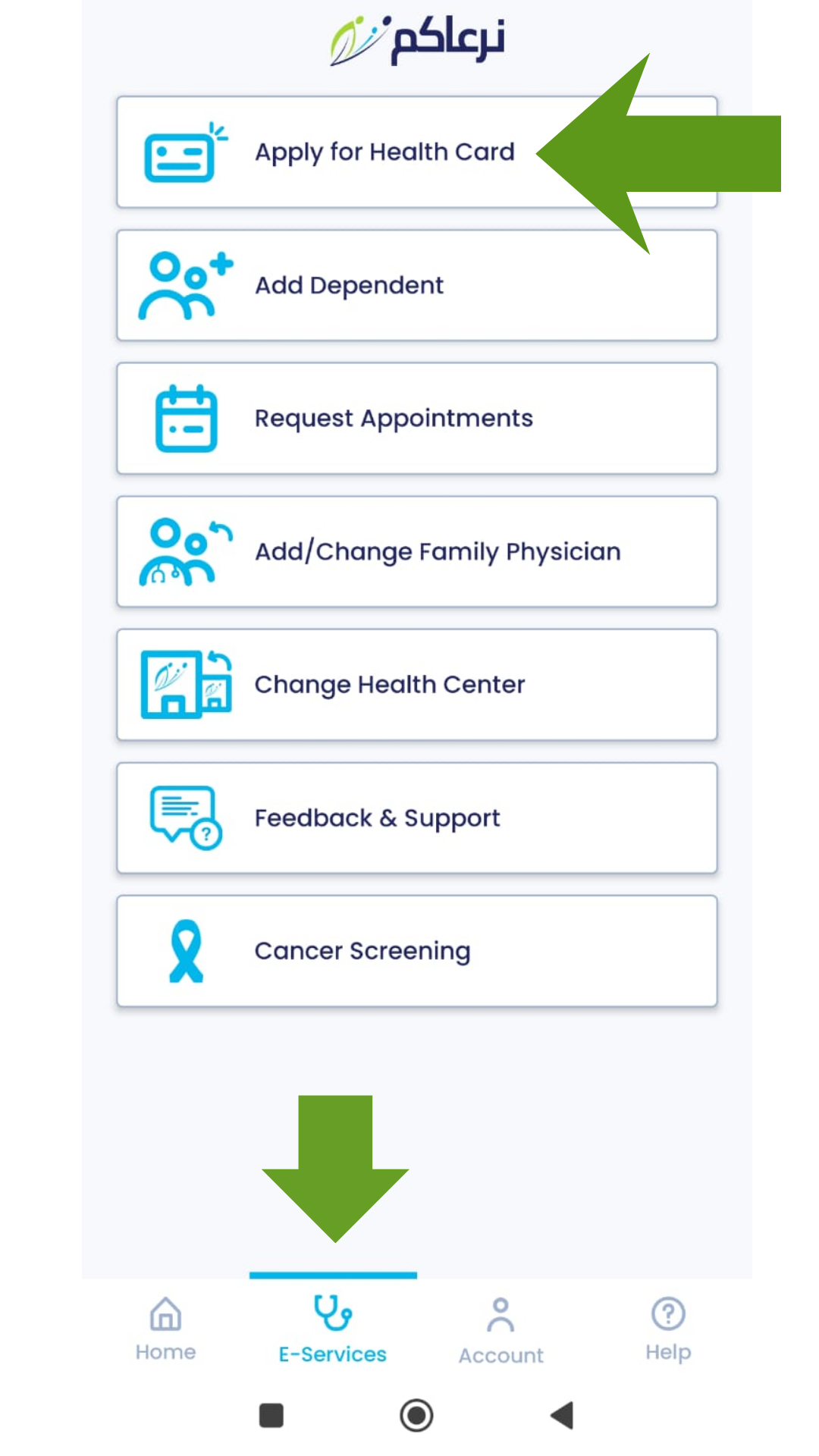
Step 5: Access E-Services
- Click on E-Services
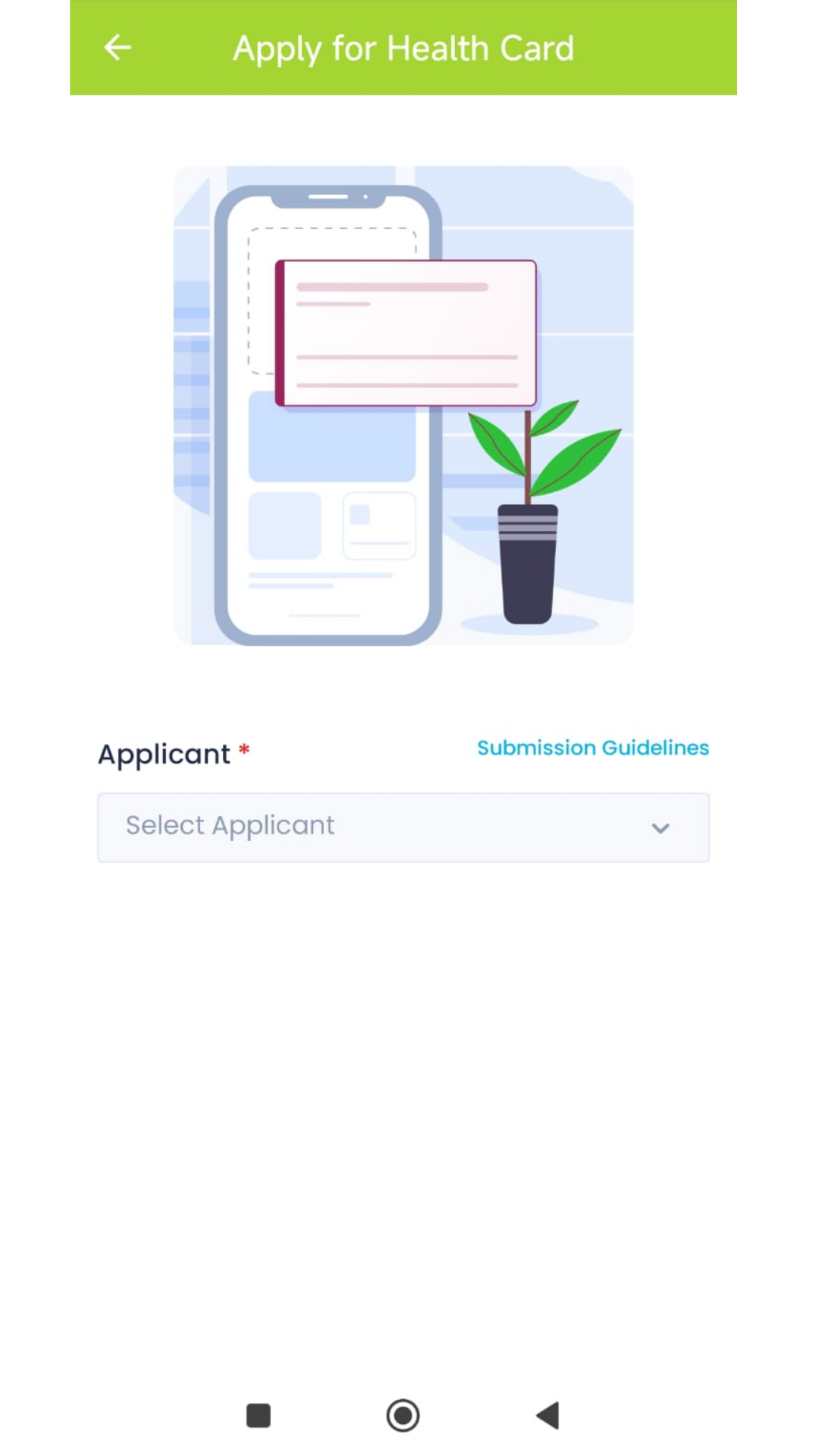
- Select Apply for Health Card
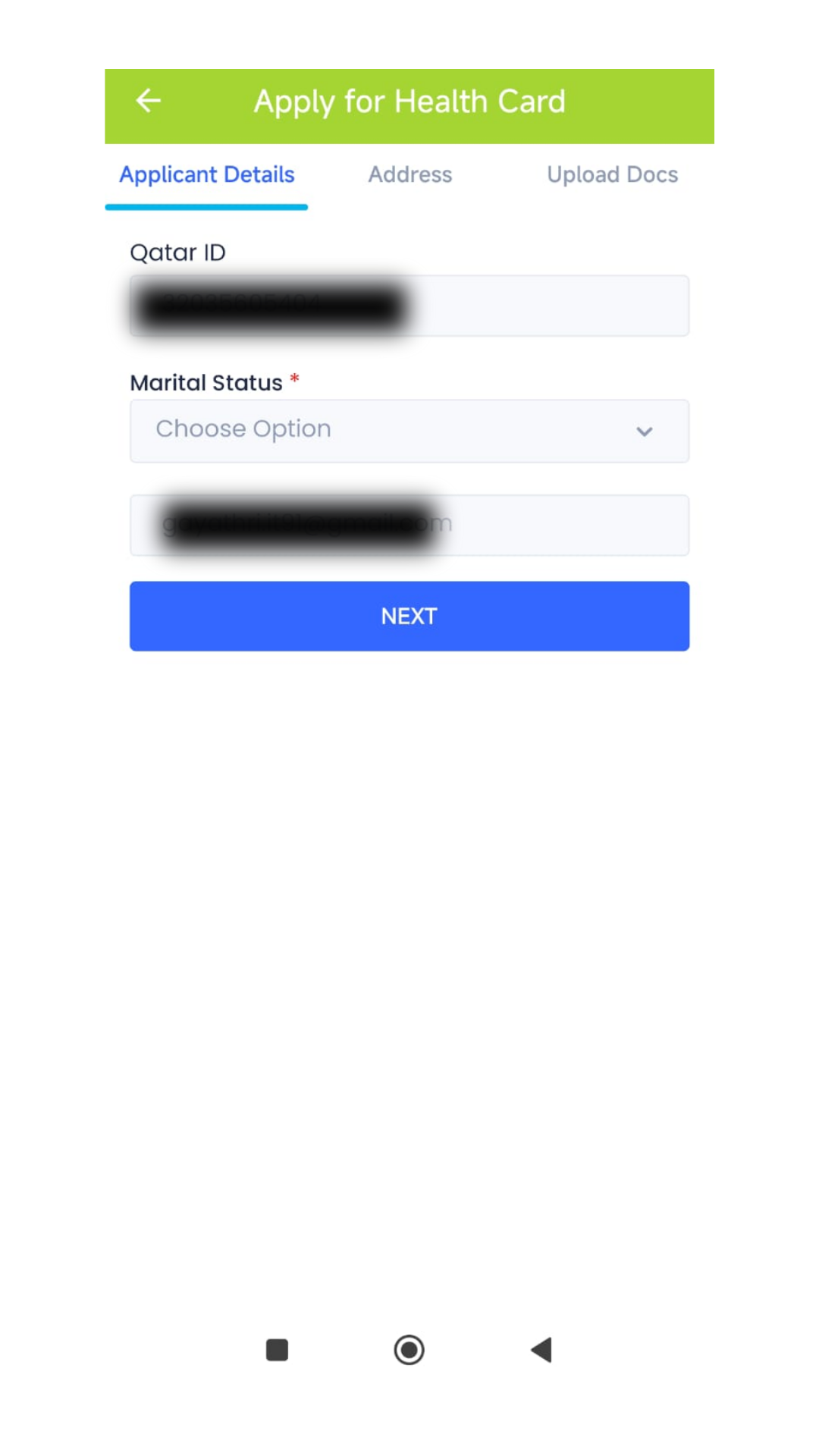
Step 6: Applicant Details
- Under Applicant, select your name
- Choose your marital status
- Click Next
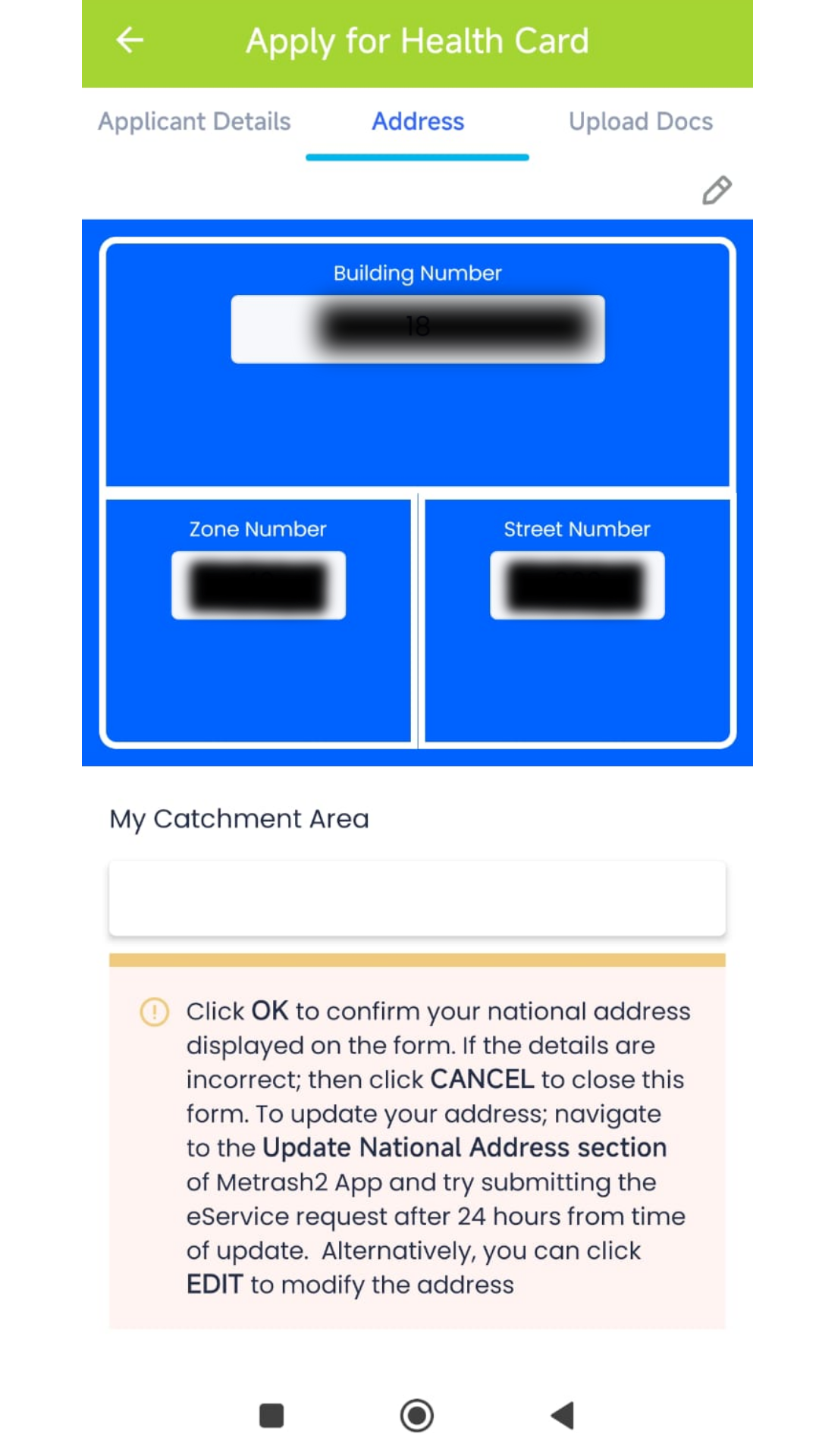
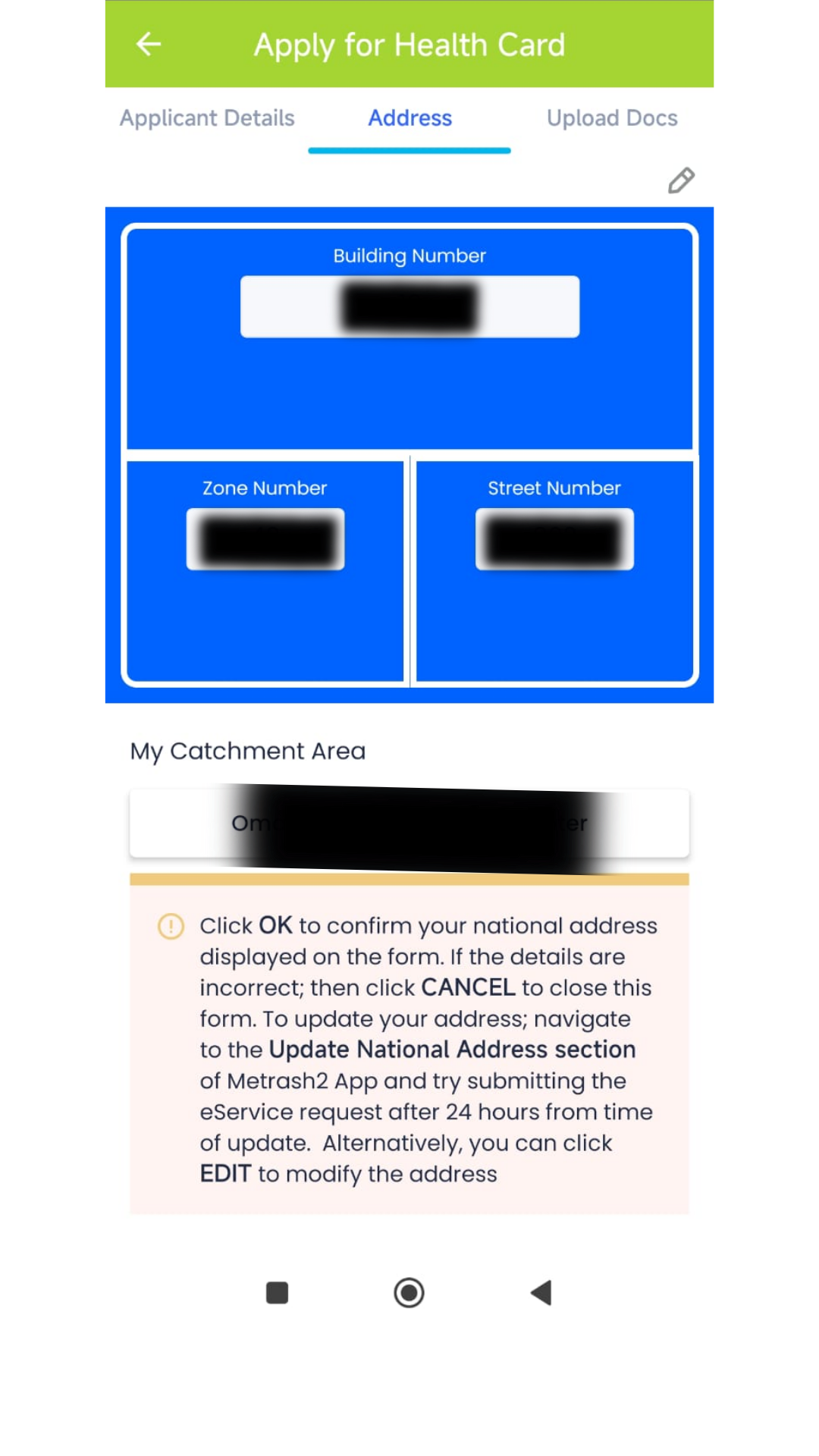
Step 7: Enter Address Details
Enter the following address details:
- Building number
- Zone number
- Street number
Once entered, the system will automatically display your assigned health center. Click Next.
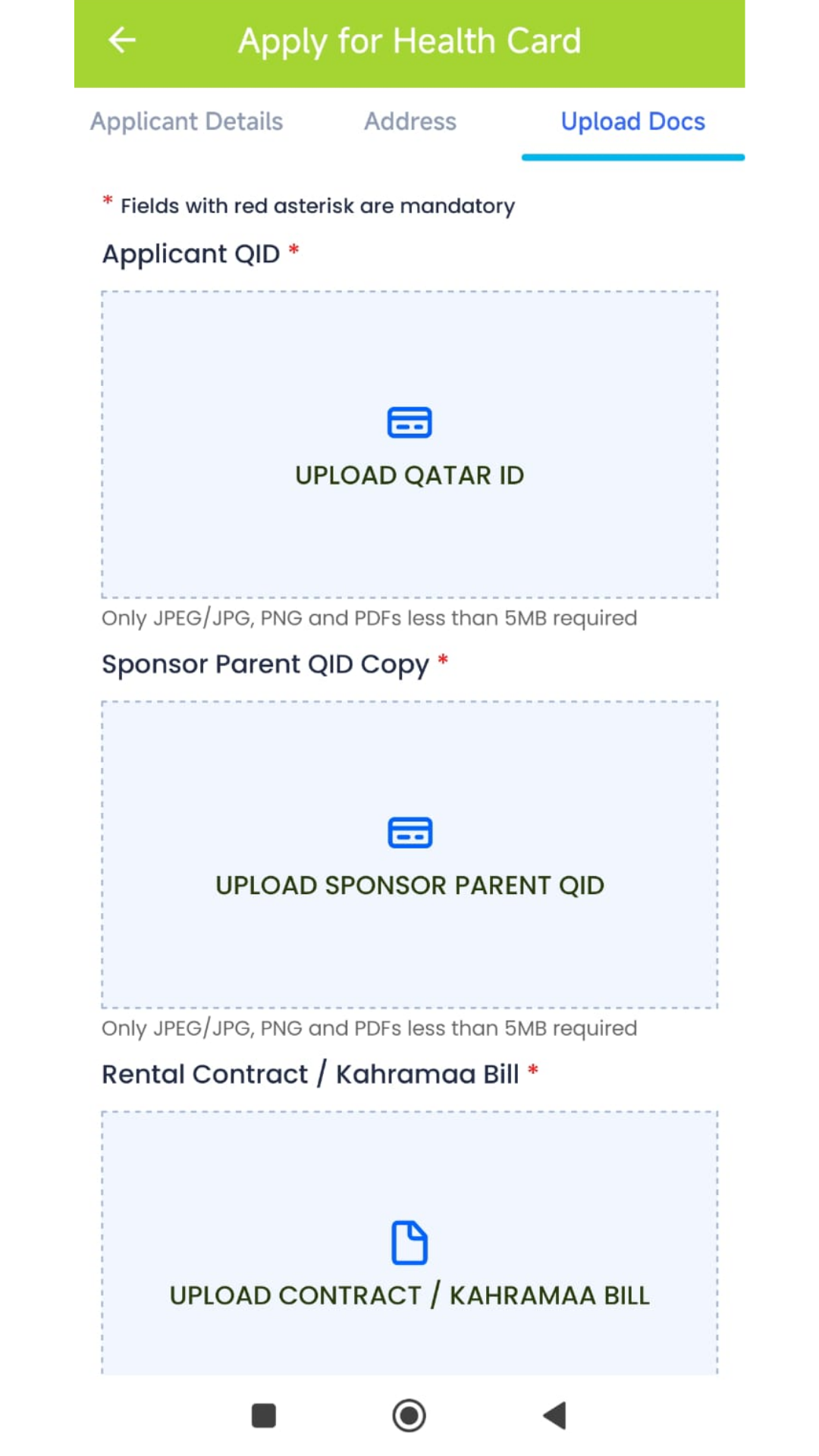
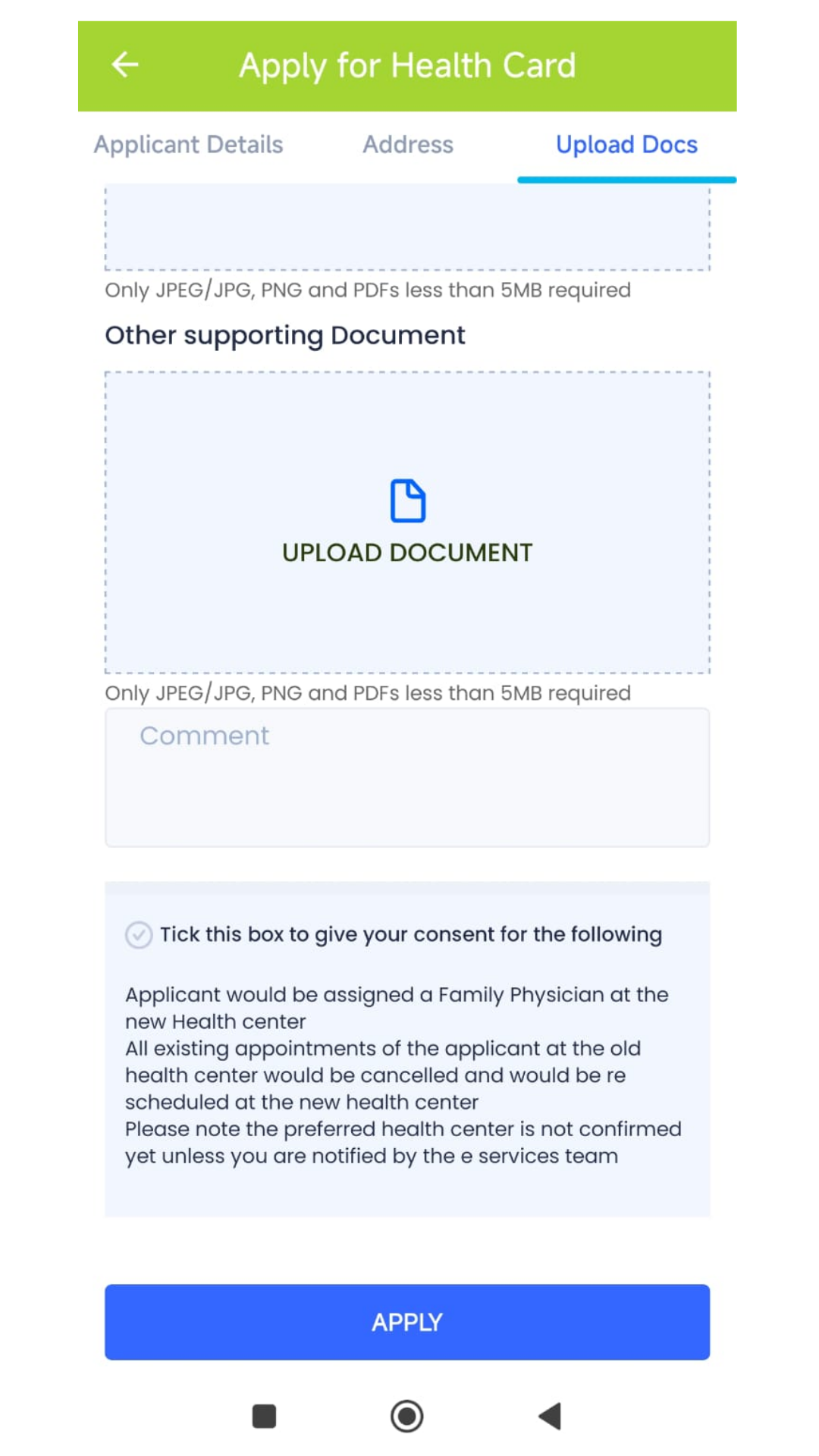
Step 8: Upload Required Documents
Upload clear copies of the following documents:
- Qatar ID (QID)
- House contract or Kahramaa bill
- Passport copy
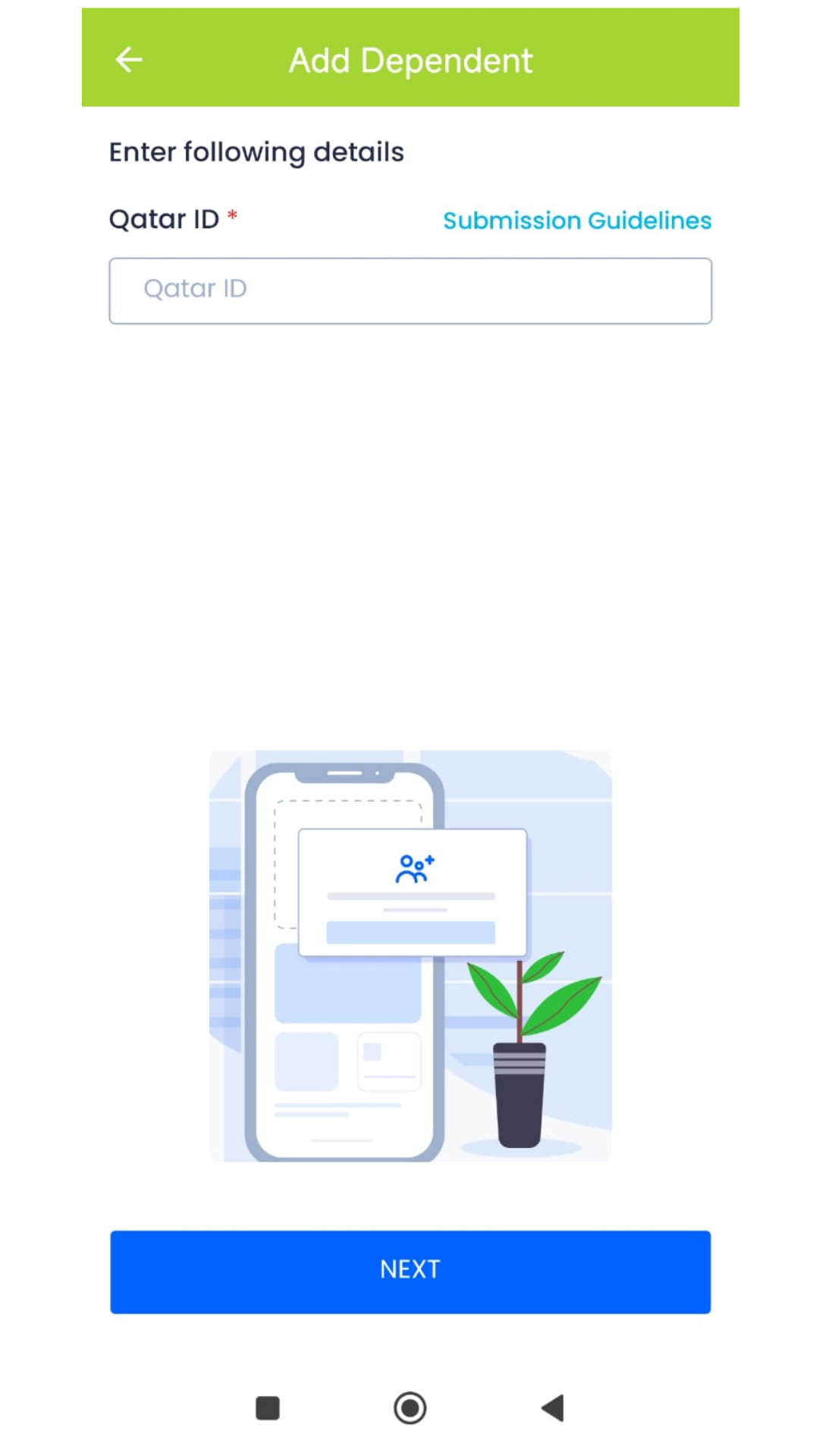
Step 9: Add Dependents (If Required)
If you want to apply for a health card for your children, select Add Dependent and upload their documents.
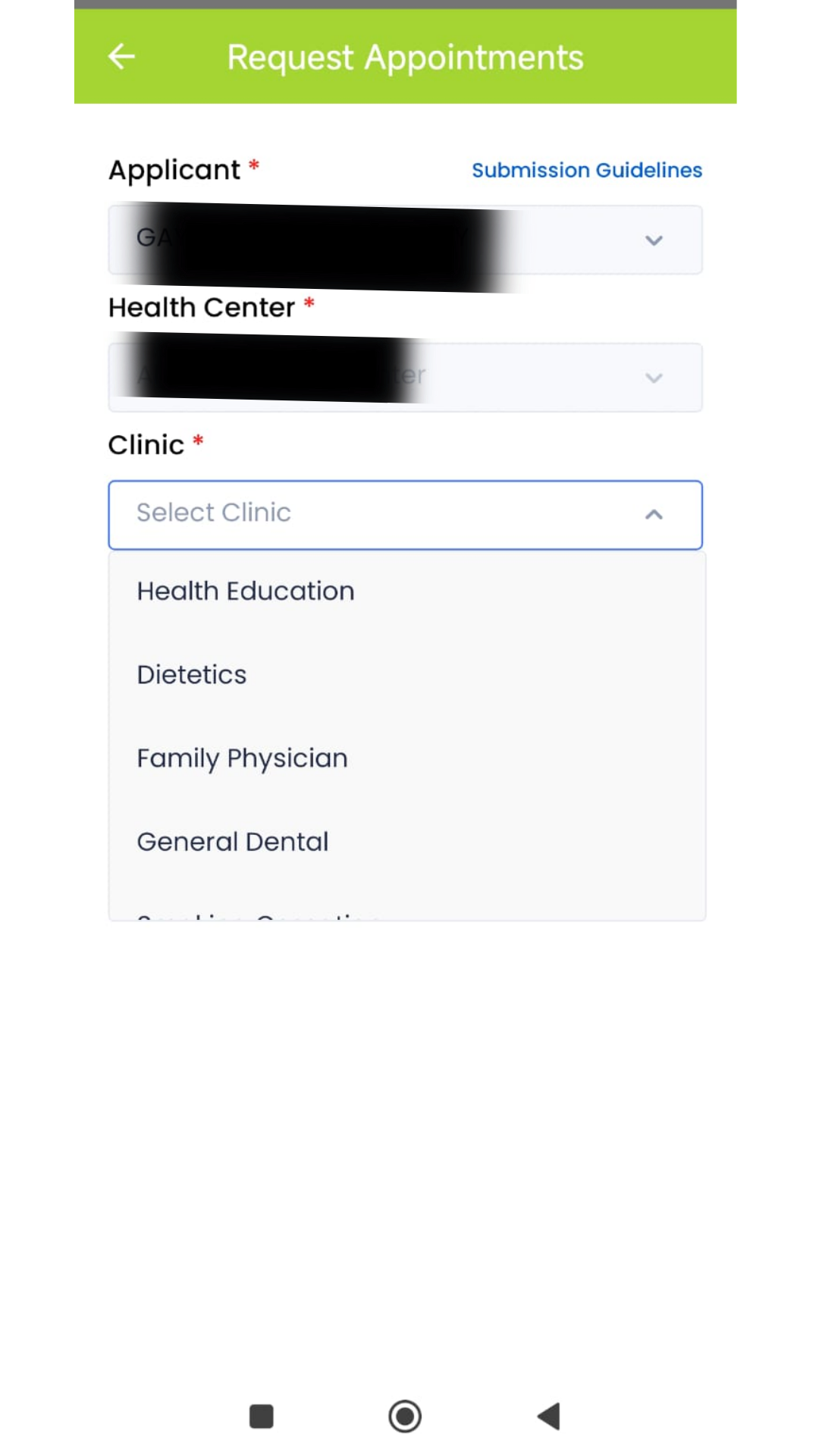
Step 10: Request an Appointment
You can request an appointment by selecting Request Appointment and submit your application.
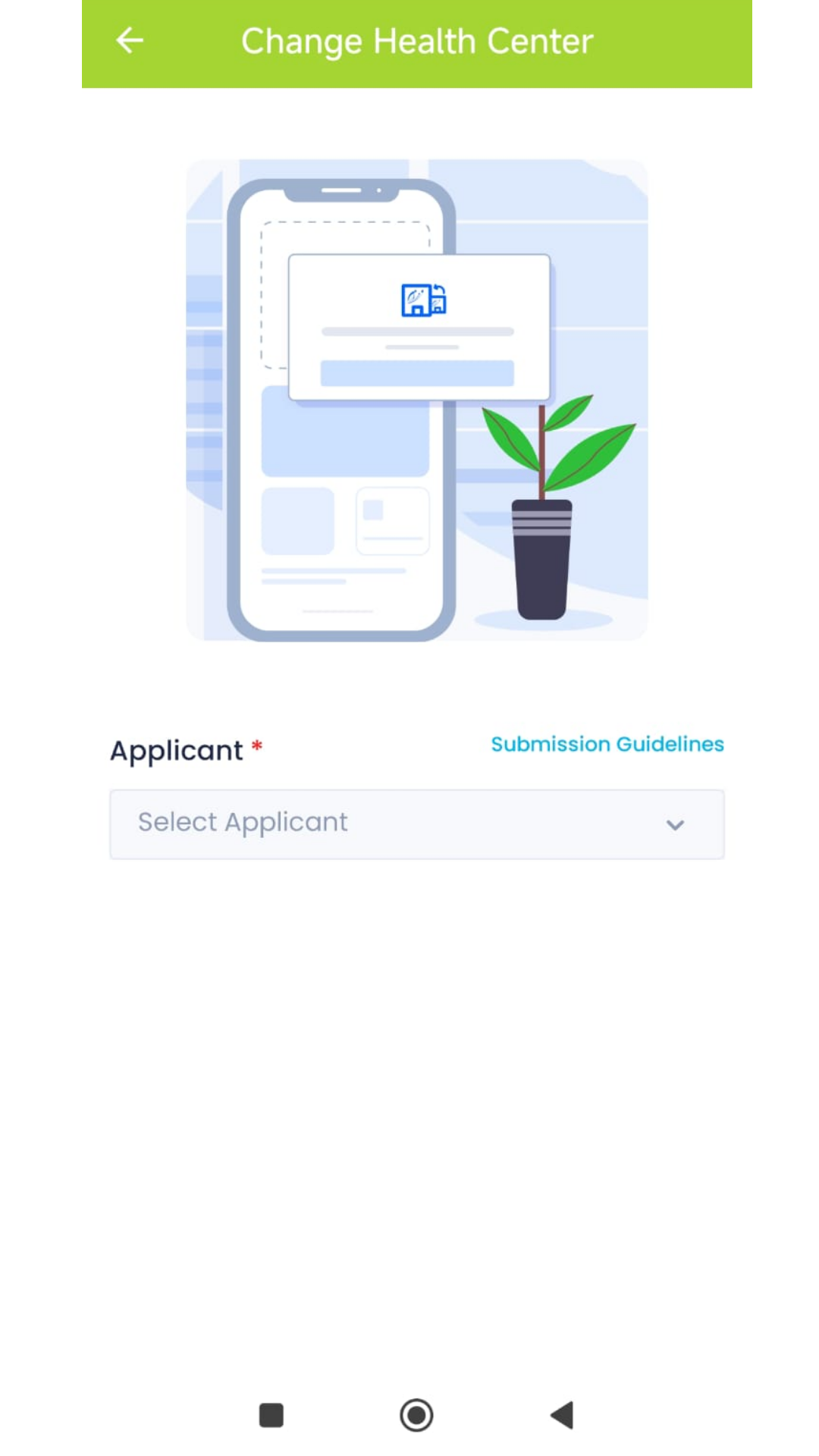
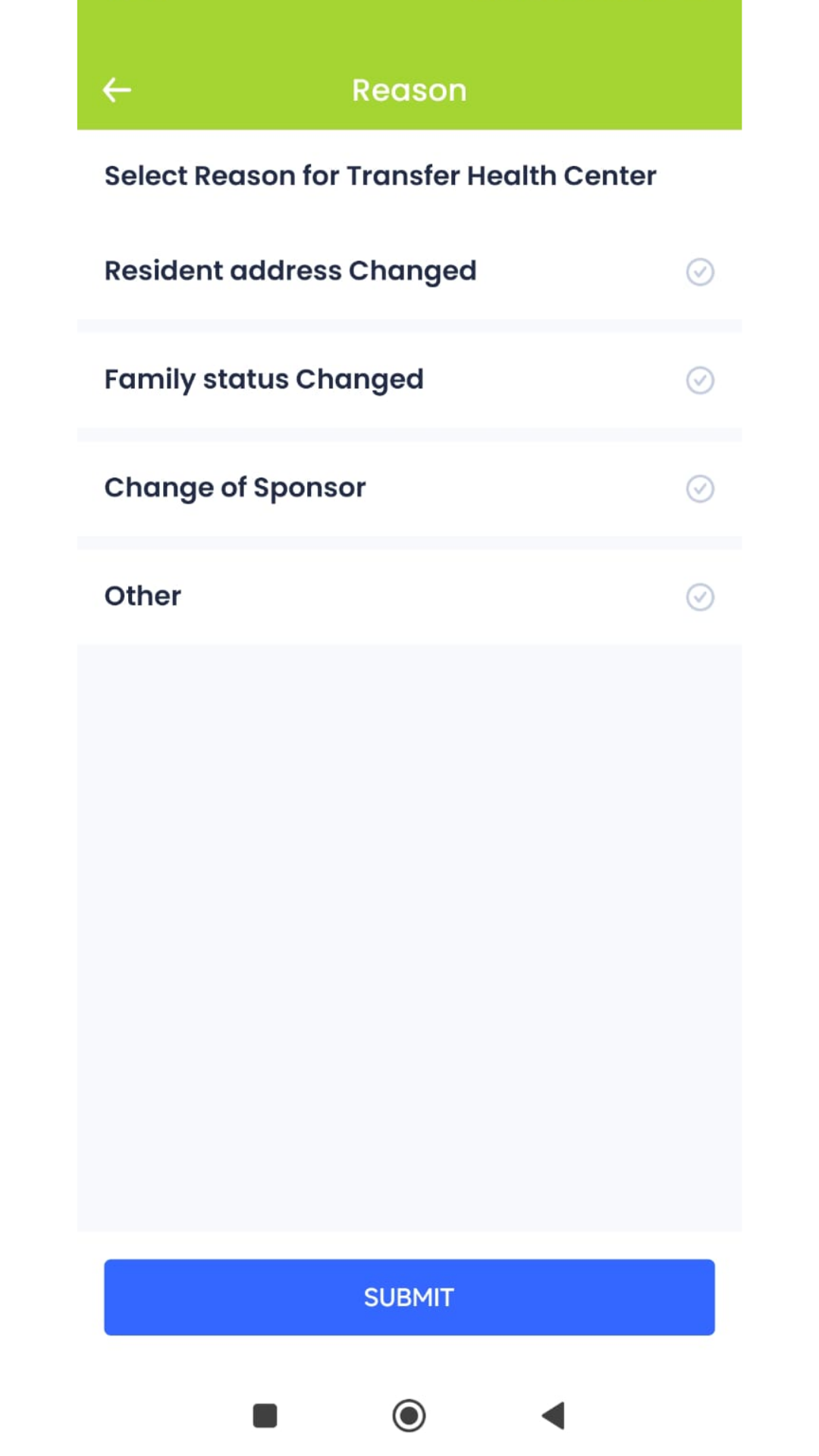
You can chnage your health center
Enter your current address and mention the reason for changing the healthcenter.
Akunuri Harish 10 Nov 2026
I want halt card